
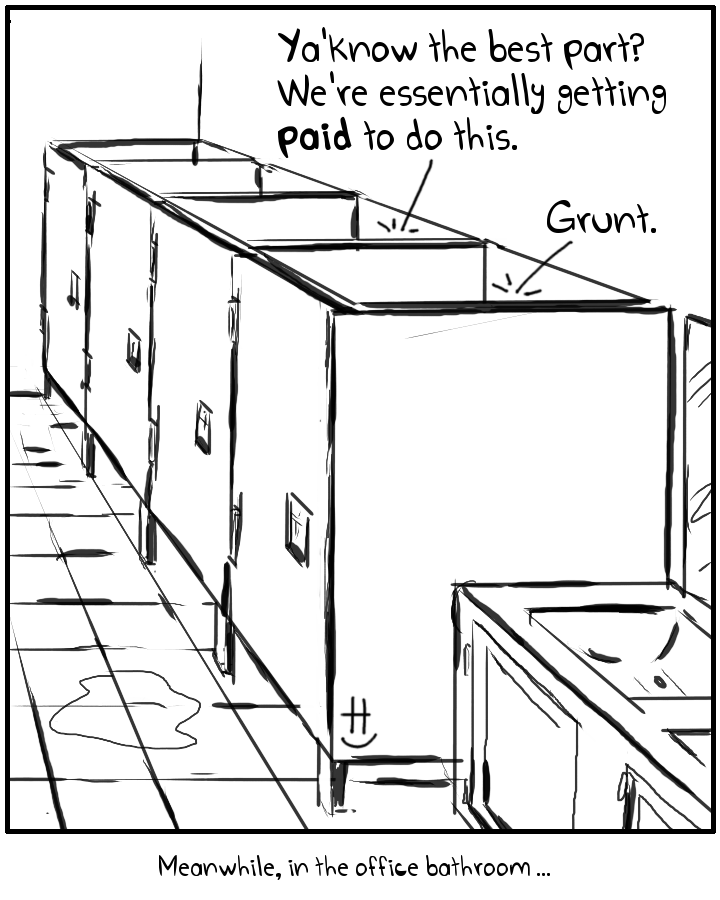
#timecard #clockin #bathroom #bathroomhumor #pay #payday #corporate #employee #comic #drawnandcoded
#timecard #clockin #bathroom #bathroomhumor #pay #payday #corporate #employee #comic #drawnandcoded
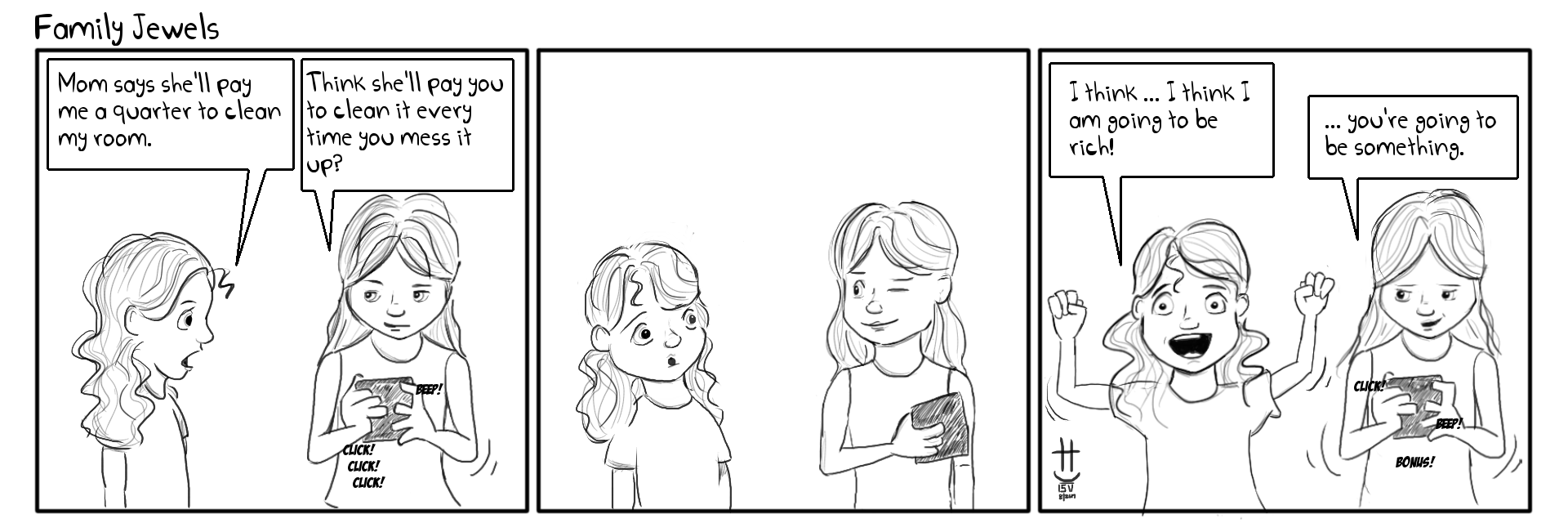
#parentingfail #kids #parenting #family #allowance #housekeeper #clean #housekeeping #chores #drawnandcoded #comic

#potus #makeamericagreatagain #trump #potus #trumptweets #twitter #socialmedia #politics #drawnandcoded #comic
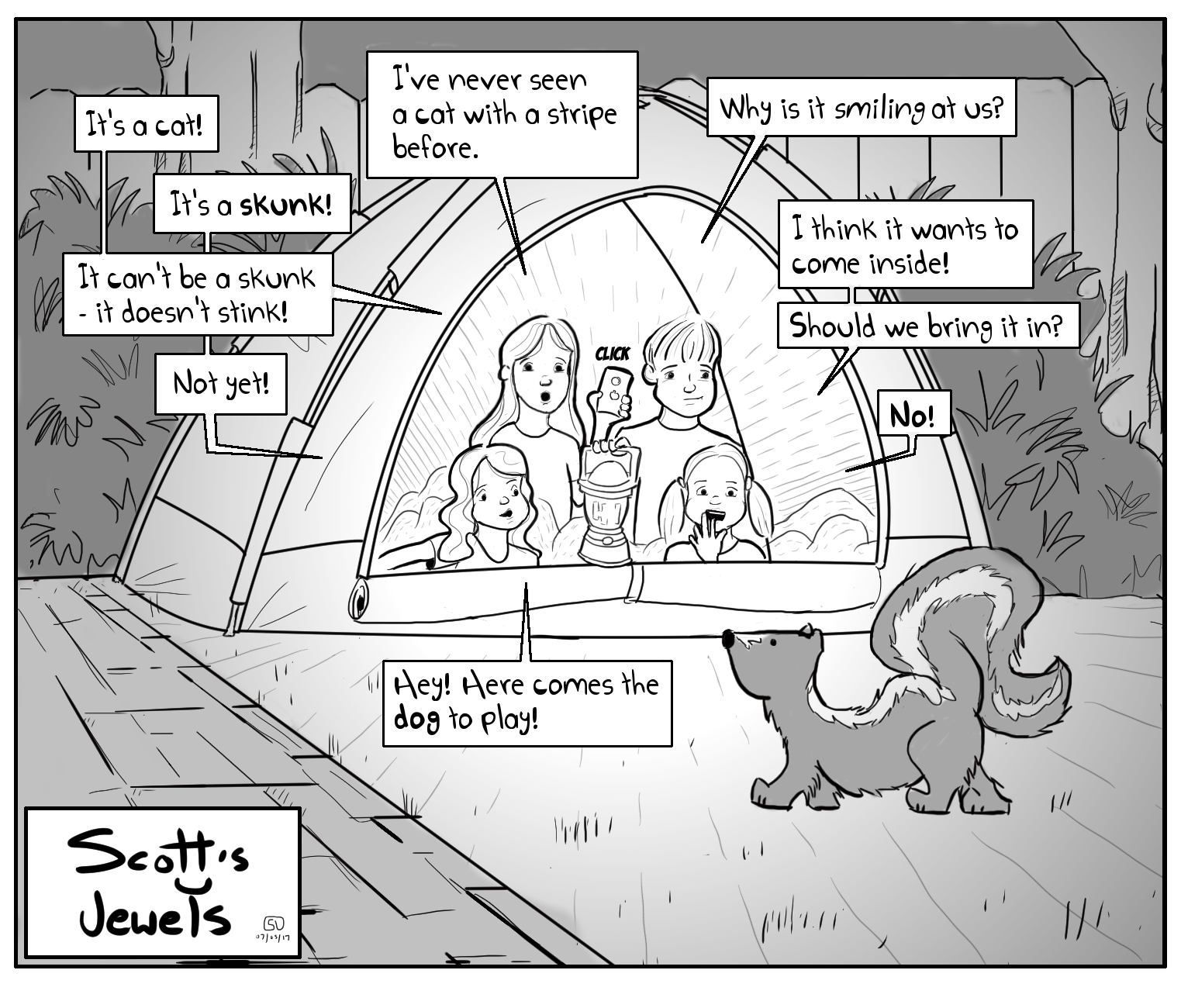
#backyardcampout #campout #camping #skunk #pets #kids #children #parentingfail #parenting #comic #drawnandcoded
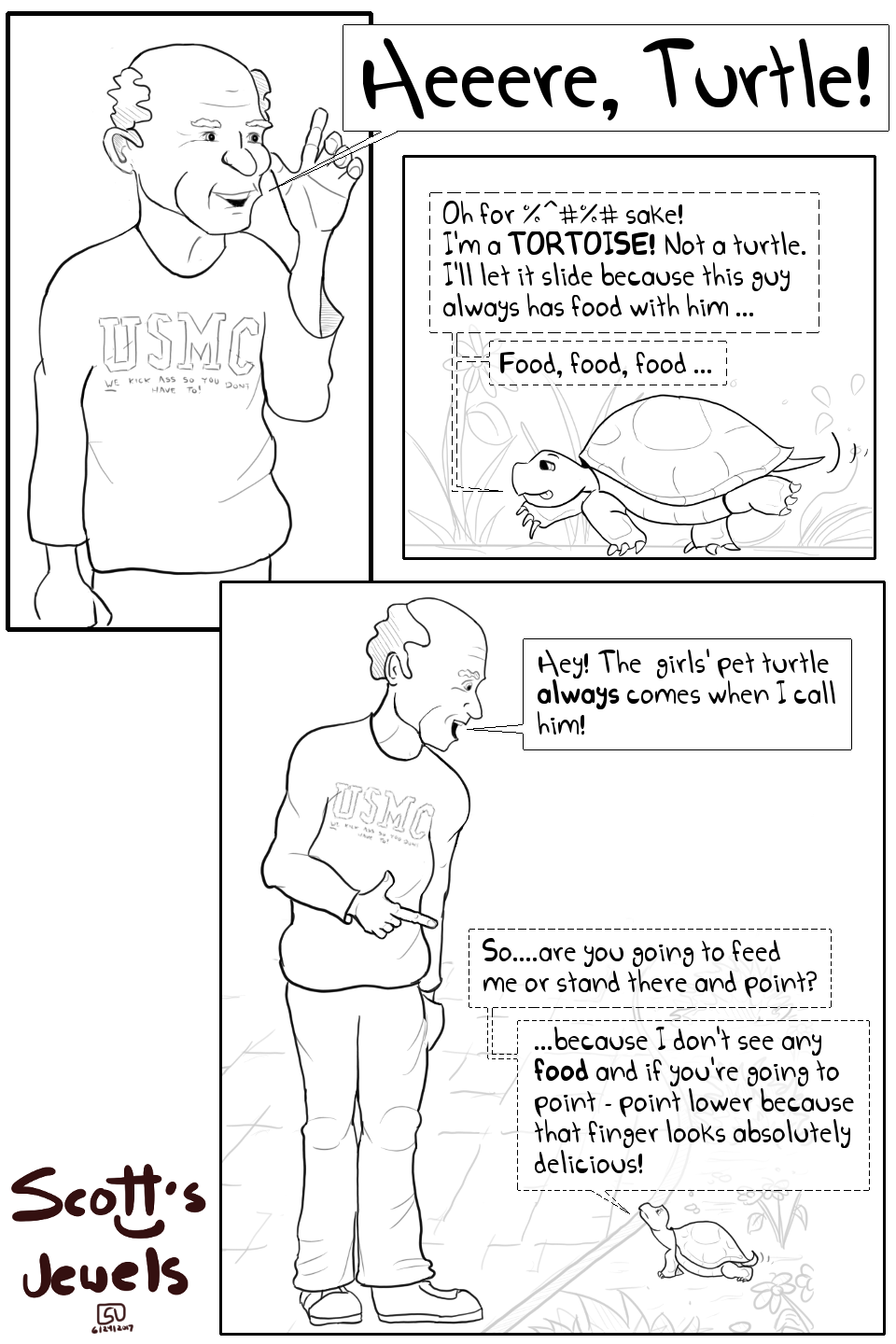
#tortoise #pet #turtle #backyard #grandpa #drawnandcoded #comic
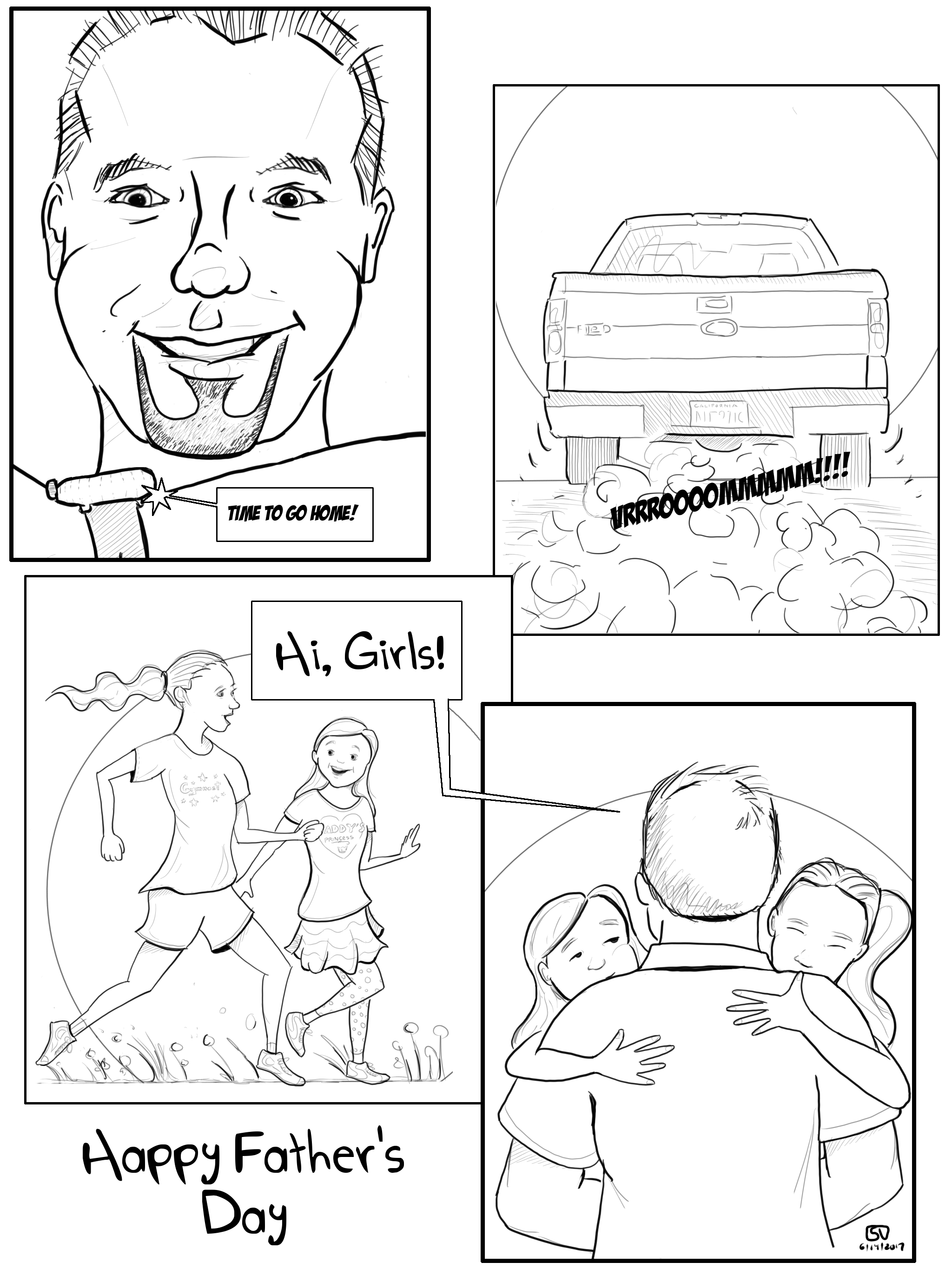
#fathersday #dad #happyfathersday #f150 #family #daughters #dadanddaughters #love #drawnandcoded #comic

#fashionista #closet #wardobe #style #clothes #mom #family #homeimprovement #drawnandcoded #comic

Recently I have started working with Drupal 7. Drupal is a CMS built on top of PHP, MySQL, and jQuery. In Drupal, a website layout is managed by a Theme. Boostrap Themes can be plugged in – or, you can roll your own. At Qualcomm, my group created a custom theme that required a newer version of JQuery (1.11) than Drupal 7 provided (1.4).
Initially, our custom theme loaded the newer version of jQuery. Drupal 7 allows this as it uses jQuery’s .noConflict() function. .noConflict() is frees up jQuery’s $ alias for other frameworks to use. In this case the “other” framework … was just a newer version of jQuery.
There were two problems with this …
I found this out the hard way. I kept getting TypeError: $(…).once is not a function” errors. This was because our custom theme required the jquery.once.js plugin. This plugin was initially loaded by Drupal when it loaded JQuery 1.4 – but subsequentally wiped out by our custom theme’s newer JQuery.
To fix this we did the following …
\sites\all\themes\[custom_theme]\js\jquery-x.x.x.js
So, in this file :
\sites\all\themes\[custom_theme]\template.php
We added this code :
		function [custom_theme]_js_alter(&$javascript) {
			$javascript['misc/jquery.js']['data'] = drupal_get_path('theme', '[custom_theme]') . '/js/jquery-x.x.x.js';
		}
This will instruct Drupal to swap out the version of jQuery (1.4) it uses with the version that resides in your custom theme. :
For example :
Behavior = (function($){

	$( document ).ready(function() {

	});

	// Public Interface.
	return {

		myFunc : function () {

		}
	}
}(jQuery));
Notice that jQuery is injected rather than its $ alias. As I mentioned earlier this is because Drupal invokes jQuery’s .noConflict() function. To tidy things up a bit I inject jQuery as $.
So in this file :
sites/all/themes/[custom_theme]/[custom_theme].info
We removed this :
scripts[] = 'js/jquery-x.x.x.js' <=== comment this out.
I Hope this helps! Let me know if you have any questions!
-Scott
#Drupal #Drupal7 #JQuery #Programming #SoftwareDevelopment #SoftwareEngineer #DrawnAndCoded
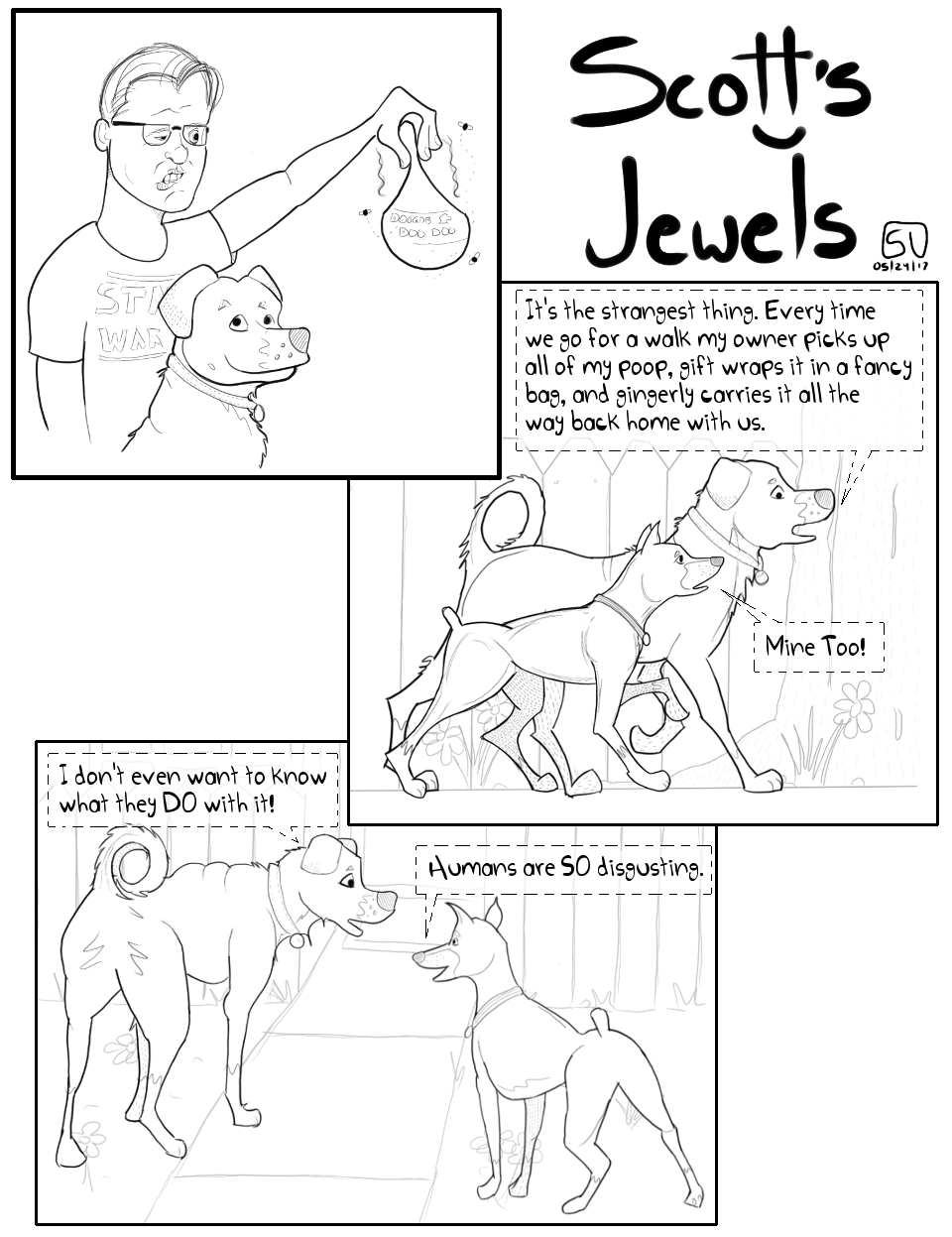
#DogWalk #DoggieDoo #PooperScooper #DogWalk #Dogs #DowgOwner #CleanUpAFterYourPet #DrawnAndCoded #Comic

#theotherwhitemeat #pork #piglover #farm #food #bacon #ilovebacon #cooking #grilling #parentingfail #drawnandcoded #comic
 drawnandcoded.com